
The best detail is often elsewhere
Another AI may have the one sentence, caveat, example, or recommendation that fits your case better.
Ask once. Compare every AI.
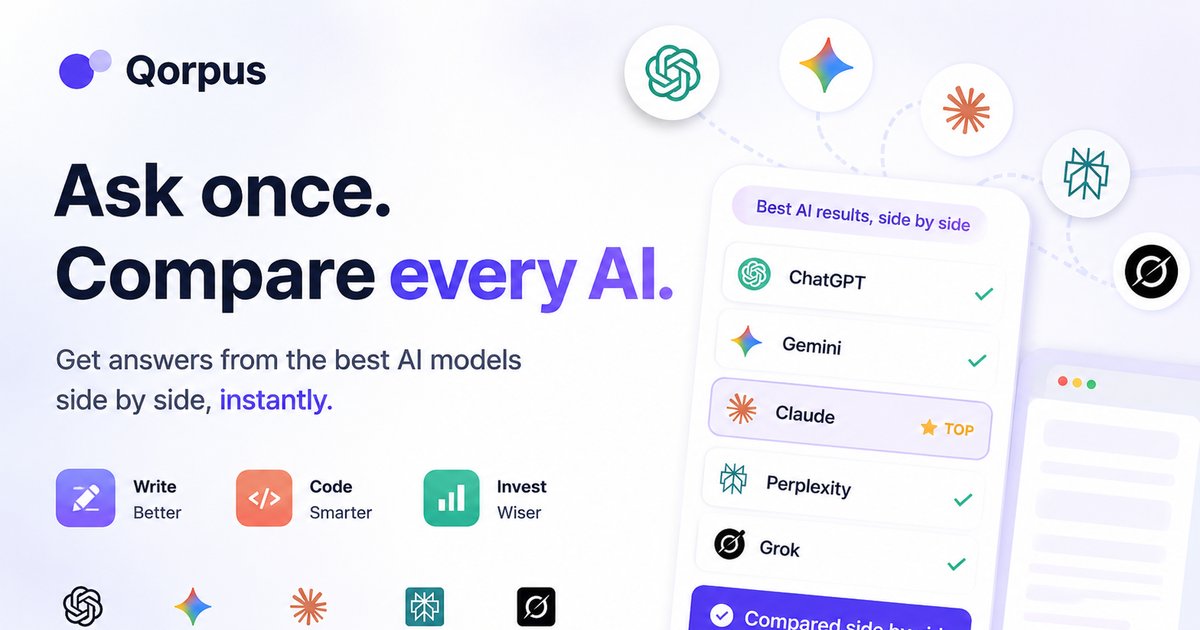
Qorpus lets you compare AI models side by side. Send one prompt to ChatGPT, Gemini, Claude, Perplexity and Grok and compare every answer at once. Compare AI models side by side to see where they agree and where they don't, right in your desktop browser.
Install once from the Chrome Web Store. Works in Chrome, Edge, Brave, Comet, and Samsung Internet.
Get Chrome extension Chrome
 Edge
Edge
 Brave
Brave
 Comet
Comet
 Samsung
Most AI answers are useful. That is the problem: the first polished answer can anchor your thinking before you see the better caveat, sharper wording, cleaner code path, or safer recommendation another AI would have caught.
Another AI may have the one sentence, caveat, example, or recommendation that fits your case better.
A confident first draft feels complete, so you stop looking for better assumptions and trade-offs.
For money, health, code, research, buying, or planning, missed details can cost more than the extra check.
Don't compare AIs because they are dumb. Compare them because they are different. Qorpus shows what each model catches so you can keep the strongest parts and verify the weak ones.
ChatGPT may structure it best. Claude may phrase it better. Gemini or Perplexity may surface a constraint. Grok may add a timely angle.
One AI optimizes for cheapest, another for safest, another for fastest. Seeing those frames side by side makes the trade-off obvious.
AI citation and news-answer studies still show major error rates. Agreement helps; outliers tell you exactly what to verify.
Ask once from the compare dock or extension. No more copy-pasting the same prompt across AI tabs.
Qorpus works with the AIs you already use. Sign in with your existing accounts — no API keys, no proxy.
 ChatGPT
 Gemini
 Claude
 Perplexity
 Grok
Grok
See AI comparison use cases across research, writing, coding, and planning & recommendations, especially when AIs can disagree in useful ways.
Literature reviews, investment theses, medical research orientation, and policy analysis with caveats exposed.
Funding proposals, patent-style drafts, legal memos, blog posts, and scientific paper sections.
Architecture, boilerplate, LaTeX, debugging, security, and production trade-offs side by side.
Trips, budgets, schedules, and launches — plus products, providers, and purchases under budget or constraint pressure.

No. Qorpus uses your existing AI accounts in the desktop browser. Sign into ChatGPT, Gemini, Claude, Perplexity, and Grok as you normally would.
A chatbot gives one perspective. Qorpus is a comparison layer for AI answers — one prompt, every major AI, side by side in your desktop browser. Read more.
Qorpus runs in your desktop browser. Comparisons use your existing sessions — not a proxy API. Your data stays on your device.
Install the Chrome extension from the Chrome Web Store. It works in Chrome, Edge, Brave, Comet, and Samsung Internet. See the install guide.
ChatGPT, Gemini, Claude, Perplexity, and Grok — with more AIs planned. See how comparison works on the compare hub.
Use the prompt bar below to try Qorpus, or install the extension to compare answers from any page.
Click a prompt to compare answers across your AIs
Please review and accept the following to continue