What is a multi-LLM browser extension?
A multi-LLM browser extension lets you run the same prompt across several large language models from your browser. Qorpus does that as a compare-first AI aggregator using your existing AI logins.
Qorpus is the compare-first browser extension for people who already use multiple frontier AIs. Install it, sign into the services you already pay for, and compare AI models side by side in one workflow.
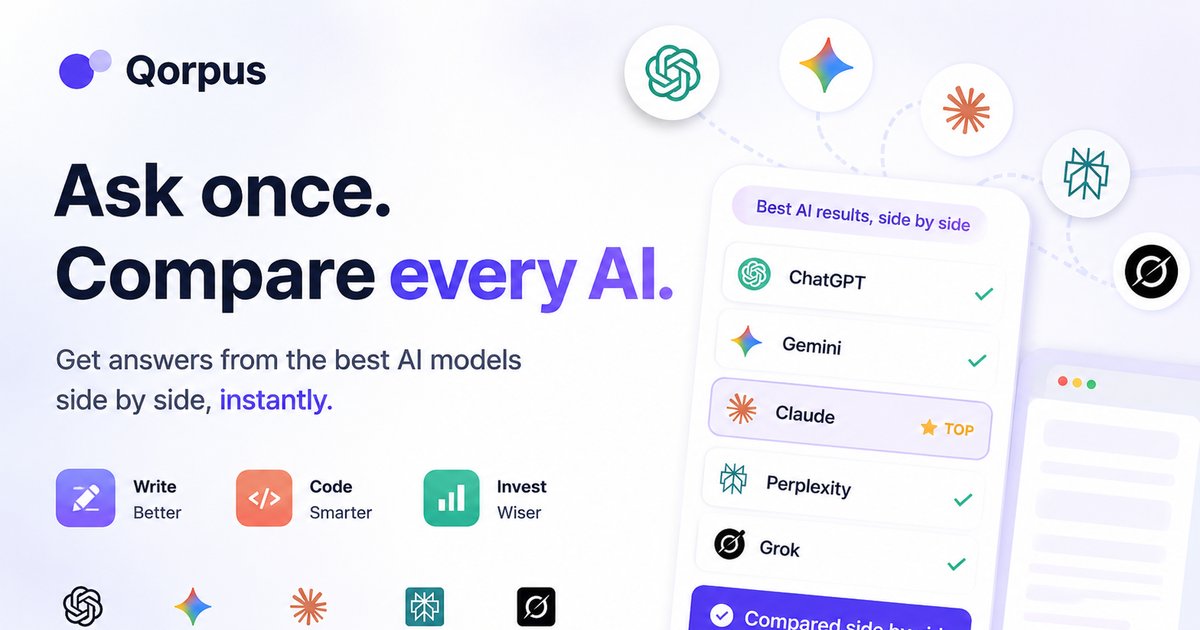
Many “multi AI” tools wrap APIs or cram chats into one pane. Qorpus is different: it runs against your existing desktop browser sessions and focuses on judgment — what the models agree on, where they conflict, and which unique details matter.
Most AI aggregators route prompts through their own APIs and charge a second subscription. Qorpus is an AI aggregator that stays in your browser: it uses the ChatGPT, Gemini, Claude, Perplexity, and Grok accounts you already have, then shows every answer side by side so you can judge, not just collect chat tabs.
Multi AI chat in Qorpus means one prompt, every major model, one view. Type once and run multi LLM comparison across ChatGPT, Gemini, Claude, Perplexity and Grok without copy-paste. That is the multi AI model workflow the extension is built for — comparison first, not another single-pane chatbot.
A multi-LLM browser extension lets you run the same prompt across several large language models from your browser. Qorpus does that as a compare-first AI aggregator using your existing AI logins.
Many aggregators proxy prompts through their own APIs. Qorpus runs in your desktop browser against the AI accounts you already use, then compares answers side by side for judgment.
ChatGPT, Gemini, Claude, Perplexity, and Grok. Sign into each service once in your desktop browser; no API keys are required for the core compare flow.
Install from the Chrome Web Store. It works in Chrome and Chromium browsers including Edge, Brave, Comet, and Samsung Internet.
Share extension comparison findings in r/CompareAI.